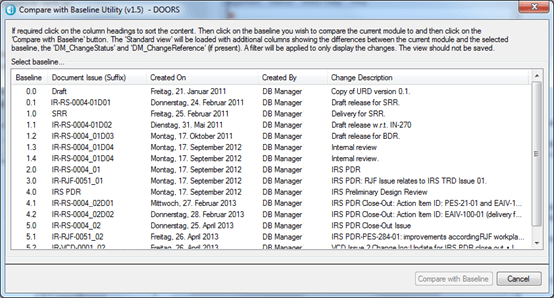
Although it is very easy to see the changes since the last baseline. Paradoxically one of the hardest things to do in DOORS is to find the history of changes through all baselines. You have to open all the baselines manually and then go to the right object and then open the properties. And then sometimes combine them.
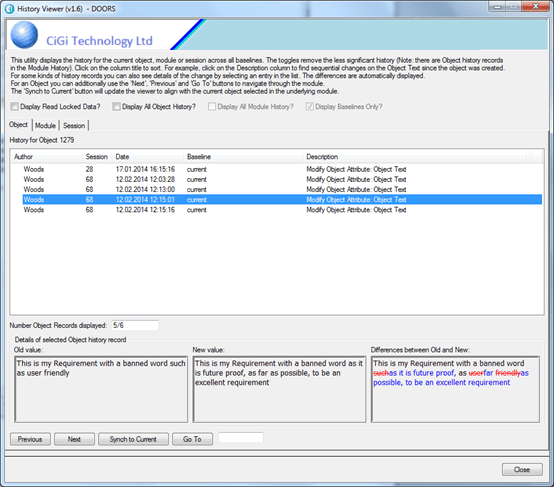
And what if you wanted to easily see what was changed, and by whom, for specific attributes. DOORS has all the data but how do we get to it?
This very easy-to-use utility solves this problem. It searches through all the history records for all baselines in the module. Once the data has been gathered, then you can then data-mine the results in many different ways, and where possible show the differences in the standard deleted and added Rich Text formats.
The sophisticated navigation functionality allows you to rapidly move through objects and even synchronise the viewer to the current object.